 GameCN
Blocks
Inventory Screen
A composed RPG inventory layout with equipment, item grid, stats, and selected item details.
Inventory Screen
inventory-screen
BlocksBetablock
A composed RPG inventory layout with equipment, item grid, stats, and item detail.
npx shadcn@latest add @gamecn/inventory-screenLive Preview
Rendered with the component style selected in the top-right selector.
Frame
Scale100%
Examples
Basic setup, game-state usage, and customization paths.
Basic
Install Inventory Screen and render it with the default GameCN treatment.
npx shadcn@latest add @gamecn/inventory-screenimport { InventoryScreen } from '@/components/blocks/inventory-screen'Advanced
Use Inventory Screen with richer game-state data such as variants, empty states, compact density, or critical states.
<InventoryScreen
  compact
/>
Customization
Swap artwork, tune tokens, and wire the installed copy to your live game state.
<InventoryScreen
  className="max-w-5xl"
/>
Block Composition
Blocks install the composed screen and the UI pieces they need.
equipment-slotinventory-gridcharacter-statsitem-card
 equipment-slot
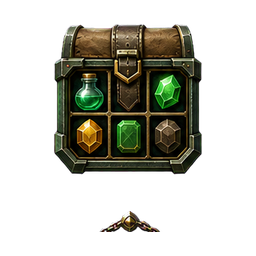 inventory-grid
 character-stats
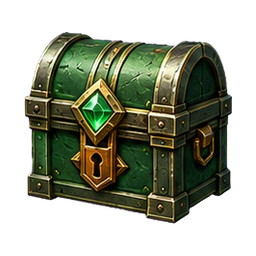 item-card
Data shape
{ characterName: string; stats: CharacterStat[]; items: InventoryItem[] }
Responsive behavior
Three-column desktop layout collapses into a single-column inventory flow on smaller screens.